Legend
The  Legend button on the View menu or toolbar displays the chart legend.
You can also use "L" on your keyboard to display/hide the Legend.
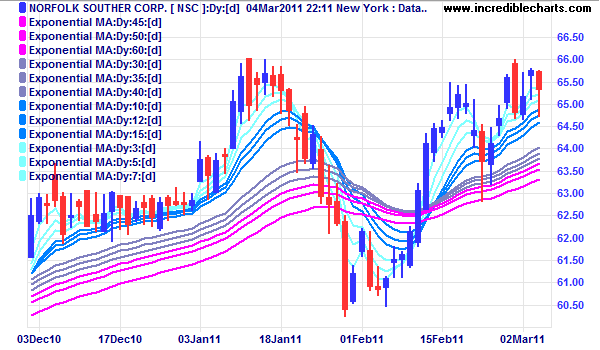
To abbreviate the Legend:
- Select View >> Legend >> Abbreviate Legend.
Legend Colors
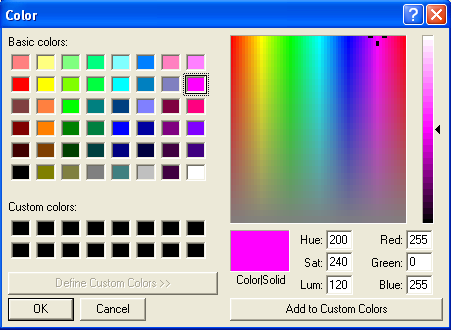
Use the Legend function to amend the indicator colors on a chart:
- Open the Legend
- Click the color block in front of an indicator
- Select a new color.
- Click OK to confirm.
Hide Indicators
Use the Legend function to temporarily hide an indicator or the price bars:
- Open the Legend
- Clear the check box in front of an indicator
- To hide the price bars, clear the box in front of the Security name (Fedex Corp in the example below)
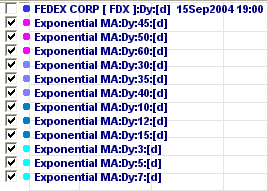
The indicator/price bar will remain hidden until you check the box, change projects or restart Incredible Charts.
Hide Security Name
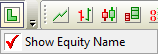
Right-click on the legend button and clear the check box in front of Show Equity Name.